
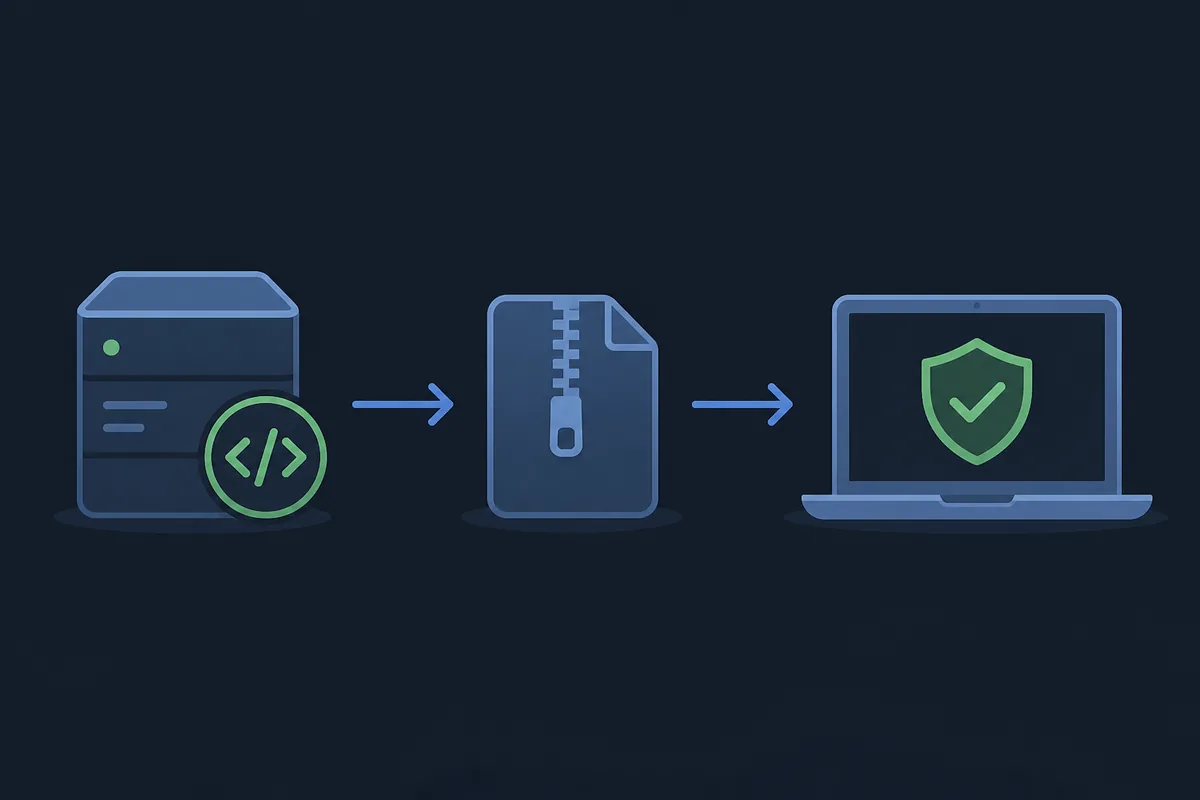
The short answer: source and package matter
There is no honest yes-or-no safety badge for Better xCloud that covers every browser, phone, TV and release. The practical answer is conditional: the risk is easier to assess when the file comes from the upstream Better xCloud project, the package matches the platform and the release notes are visible. A third-party page that hides the original repository gives you less evidence, even if its download button looks convenient.
Better xCloud is also not one universal package. The PC path is a browser userscript, Android uses a separately maintained app release, and iPhone/iPad uses a Safari userscript workflow. Calling all of these an APK is a warning sign because it makes it harder to match the file, permissions and update process to the device.
It can explain source provenance, package type, permission questions and red flags. It cannot perform a personal malware scan, guarantee a future release or replace your device's security controls.
Use the official source that matches your platform
Start from the official Better xCloud documentation or the relevant upstream GitHub repository. The source should show the project context, release history and package type. For a PC installation, look for the userscript release rather than an extension bundle that does not identify its source. For Android, use the Android repository and compare the APK file name and release tag before installing.
The current source check found the PC userscript release v6.7.12 and the Android app release a0.24.2. Those are separate version lines, so one version number should never be presented as the universal Better xCloud version. If a release page is available but a stable direct file cannot be verified, use the release page as the handoff instead of guessing a mirror URL.
| Platform | Expected package or route | Where to verify |
|---|---|---|
| PC browser | Official userscript, not a generic Chrome extension | Better xCloud PC repository and release notes |
| Android phone, tablet or TV | Separate Android APK and app release | Official Android repository release |
| iPhone or iPad | Safari userscript route | Official documentation and iOS guide |
| LG webOS | Platform-specific webOS path | Official webOS project or documentation |
Check provenance before you install
A release page is useful because it lets you compare the repository owner, tag, asset name, file type and notes in one place. Before opening a file, record the platform and the source URL. On Android, compare the package name and APK size shown by the release with the file you obtained. On PC, confirm that the userscript is intended for the browser workflow you are following.
Do not let a countdown, a green badge or a claim such as safe download replace source evidence. A direct file can be convenient, but the release page is the better fallback when a link is temporary, requires a session, or cannot be checked for its final content type.
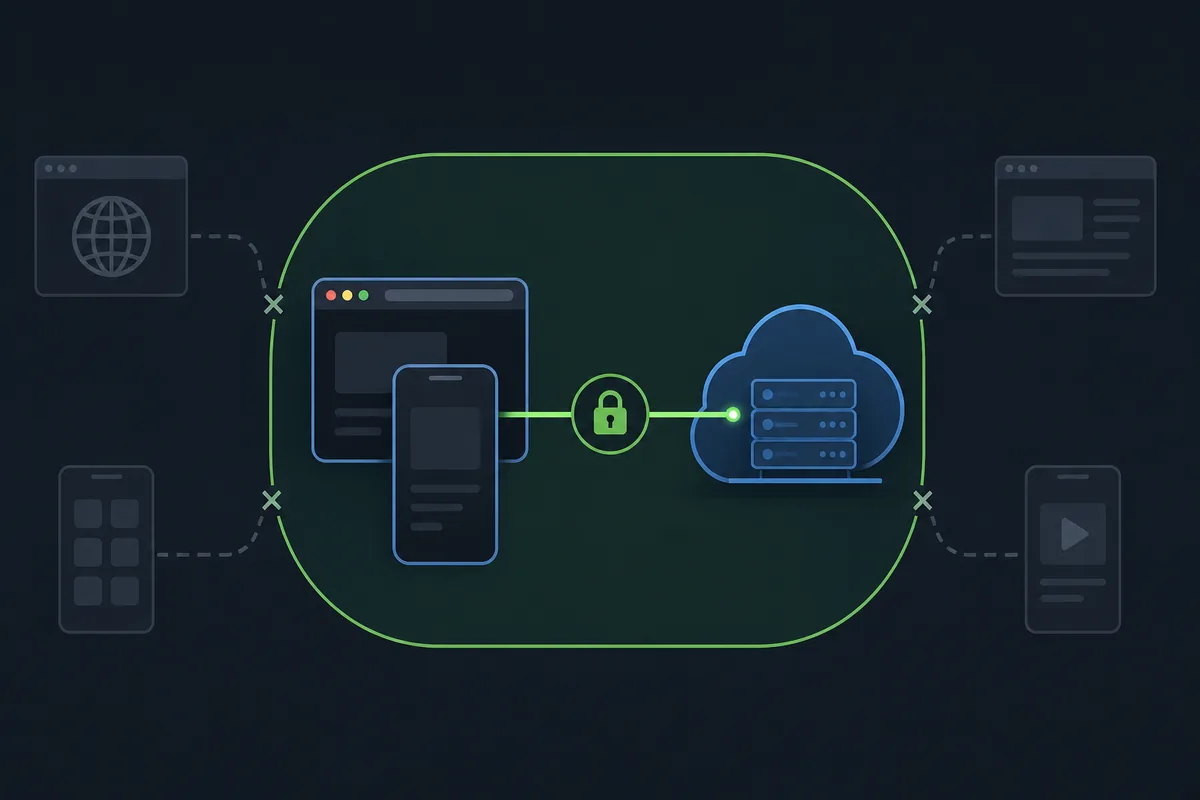
Match the platform
Choose PC, Android, iOS/iPadOS or TV before choosing a file. Do not install an APK because the page uses the word download.
Match the source
Open the official project or release page and confirm the repository, tag, asset name and package type.
Match the file
Check the final URL, response type, file name and size when a direct asset is offered. Stop when the values do not line up.
Keep the evidence
Save the release URL and date you checked so a later update or security warning can be compared with the original installation.
Understand permissions without overpromising
Userscripts and apps need enough access to change the client experience, but the permission prompt alone does not tell you whether a particular copy is trustworthy. Read the target sites, requested access and project documentation. A PC userscript should be evaluated in the context of the Xbox Cloud Gaming pages it is meant to enhance; an Android app should be reviewed as a separate package with its own release and device permissions.
The safest explanation is specific rather than dramatic. A permission that is expected for the documented feature may still deserve review, while a permission or download step that is not explained by the project is a reason to stop and investigate. Never enter Microsoft credentials into an unrelated mirror page just because it claims to be an installer.
- Read the permission scope before enabling a userscript or installing an APK.
- Prefer the documented upstream project and its release history over a repackaged bundle.
- Keep Microsoft account sign-in inside the normal Xbox Cloud Gaming flow.
- Use your browser, Android security controls and file scanning tools as additional checks, not as proof that a mirror is official.
- If the requested access is not explained by the feature you need, stop before continuing.
Red flags for mirrors and repackaged files
An unknown mirror is not automatically malicious, but it removes useful provenance. Be especially cautious when a page changes the project name, hides the repository, bundles several unrelated installers, promises a cracked or queue-bypassing version, or asks you to disable security protections. A page that copies the Better xCloud logo can still be unrelated to the upstream project.
The same rule applies to old files. A file may be genuine but stale, and an old userscript or APK can create problems that look like a security warning. Compare the release tag, package name and official notes every time you update. If the direct asset cannot be verified, choose the official release page and download through the upstream flow.
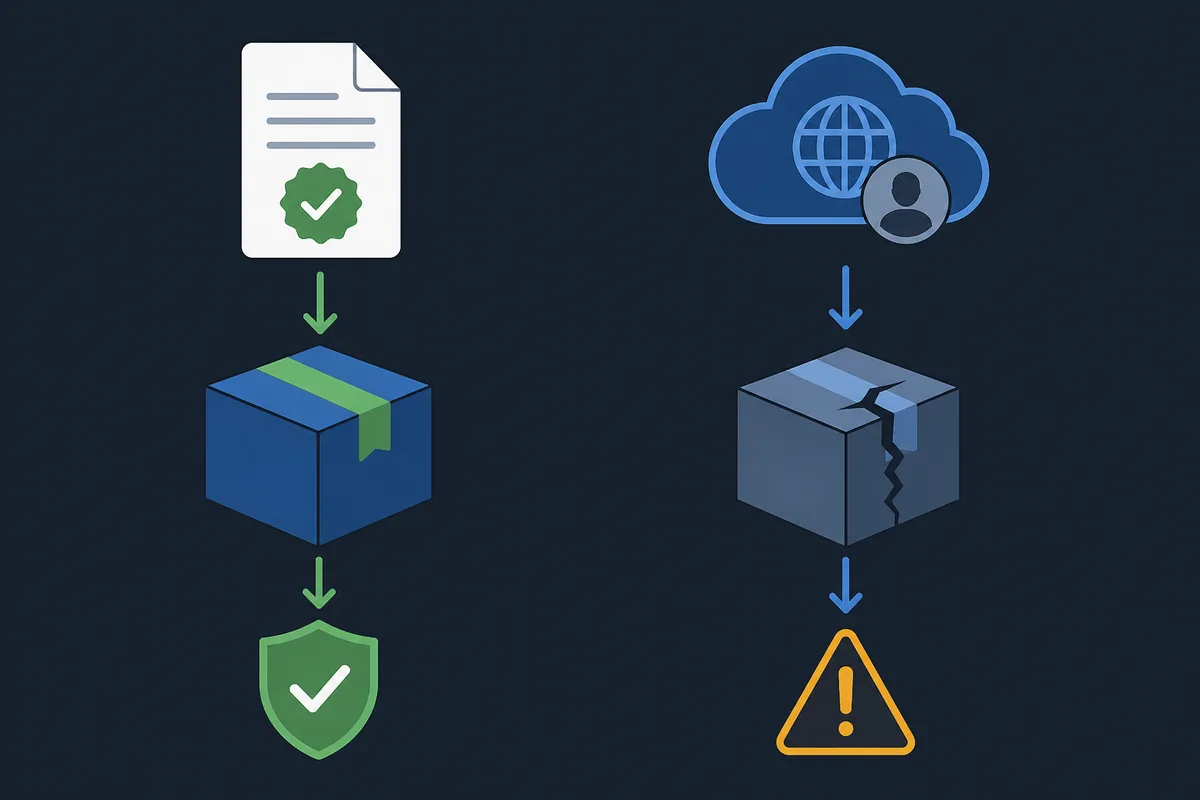
Hidden source
The page does not identify the upstream repository, release tag or package owner.
Wrong platform
A desktop visitor is pushed toward an APK, or an iPhone visitor is offered an Android installer.
Security pressure
The download asks you to disable protections, install unrelated software or sign in outside the normal service.
Unverifiable promise
The page promises unlimited access, removed queue time or guaranteed performance without upstream evidence.
An official source is not an absolute safety guarantee
Official provenance answers one important question: where did this file come from? It does not prove that a future release will work on every browser, that every device will expose the same permissions, or that a network problem is caused by Better xCloud. Keep those questions separate. Source verification is about identity and release context; local security and compatibility checks are about your machine.
This distinction also prevents exaggerated claims. Better xCloud can expose client controls, but it does not replace Microsoft, Xbox Cloud Gaming, Game Pass, your browser security model or your Android security model. It should not be described as a way to bypass a queue, unlock paid access or remove all lag.
- Source check: repository, release tag, asset name and package type agree.
- Security check: your browser or device accepts the file and does not show an unexplained warning.
- Compatibility check: the platform, browser, app version and game are supported by the instructions you follow.
- Service check: login, queue, game availability and network behavior remain separate from the client enhancement.
Keep the install current and report changes
When you update, repeat the source check rather than relying on an old bookmark or a search result that may lead to a mirror. Read the release notes, compare the new tag with the installed version and keep the platform-specific package separate. If a browser, Android system or security tool changes its behavior, record the exact version and message before trying another file.
For a broken installation, use the troubleshooting sequence: record the symptom, revert the last setting, remove duplicate client layers and then compare the upstream documentation or issue tracker. That preserves useful evidence and avoids turning a local compatibility problem into an unsupported claim that the whole project is unsafe.
Record the state
Write down platform, browser or app, Better xCloud version, release URL and the exact warning or error.
Check upstream
Compare the official documentation, release notes and issue tracker before changing the source.
Report precisely
If you report a problem, include the device and error without sharing passwords, tokens or private account data.
Use the right follow-up guide
Safety questions often appear because the installation or update did not behave as expected. Move to the page that matches the symptom instead of downloading a second copy from an unknown source. The PC and Android guides explain the platform-specific package, while the troubleshooting page helps separate a missing menu, a browser permission problem, a controller issue and a service-side failure.
If you are still deciding whether to install, keep the official source page open and use the About page to understand this site's independent status. The final decision belongs to you and your device's security policy; this site can make the evidence easier to inspect but cannot make a risk-free promise.
Open the Better xCloud troubleshooting guideBetter xCloud safety FAQ
Is Better xCloud safe to install?
It is more reasonable to assess when you use the official upstream repository, match the package to your platform and review the permissions and release notes. No independent guide can promise that every future file or device is risk-free.
Is Better xCloud an official Xbox or Microsoft app?
No. Better xCloud is a separate community project. Keep Microsoft account sign-in inside the normal Xbox Cloud Gaming flow and use the upstream project links to verify the client.
Is the Better xCloud APK safe?
Use the official Android repository release and compare its tag, package name, file type and release notes. Do not treat an APK from an unknown mirror as equivalent to the upstream asset.
Does Better xCloud need broad browser permissions?
A userscript needs access to the pages it enhances, but the exact scope should be explained by the installation method and project documentation. If the requested access or login page is unrelated, stop and investigate.
How can I verify a Better xCloud download?
Start at the official documentation or repository, match the platform, compare the release tag and asset name, check the final file type and keep the source URL and date. Use local browser or device security checks as an additional layer.
Does Better xCloud remove the Xbox Cloud Gaming queue or lag?
Do not rely on claims that it removes queues or all lag. Queue availability, server routing, packet loss, jitter, device decoding and game support are separate variables from the client enhancement.
What should I do if a download page asks me to disable security tools?
Stop and return to the official documentation or release page. Do not disable protections or install unrelated software just to obtain a Better xCloud file.
Is Betterxcloud.wiki the official Better xCloud website?
No. Betterxcloud.wiki is an independent guide. It links to official upstream documentation and repositories but does not represent Microsoft, Xbox or the Better xCloud developers.