
Open the webOS source and release page
This site does not host or re-sign an IPK. The official webOS repository warns about delayed updates, and the latest observed release has no downloadable asset. Read the source before you build or test.
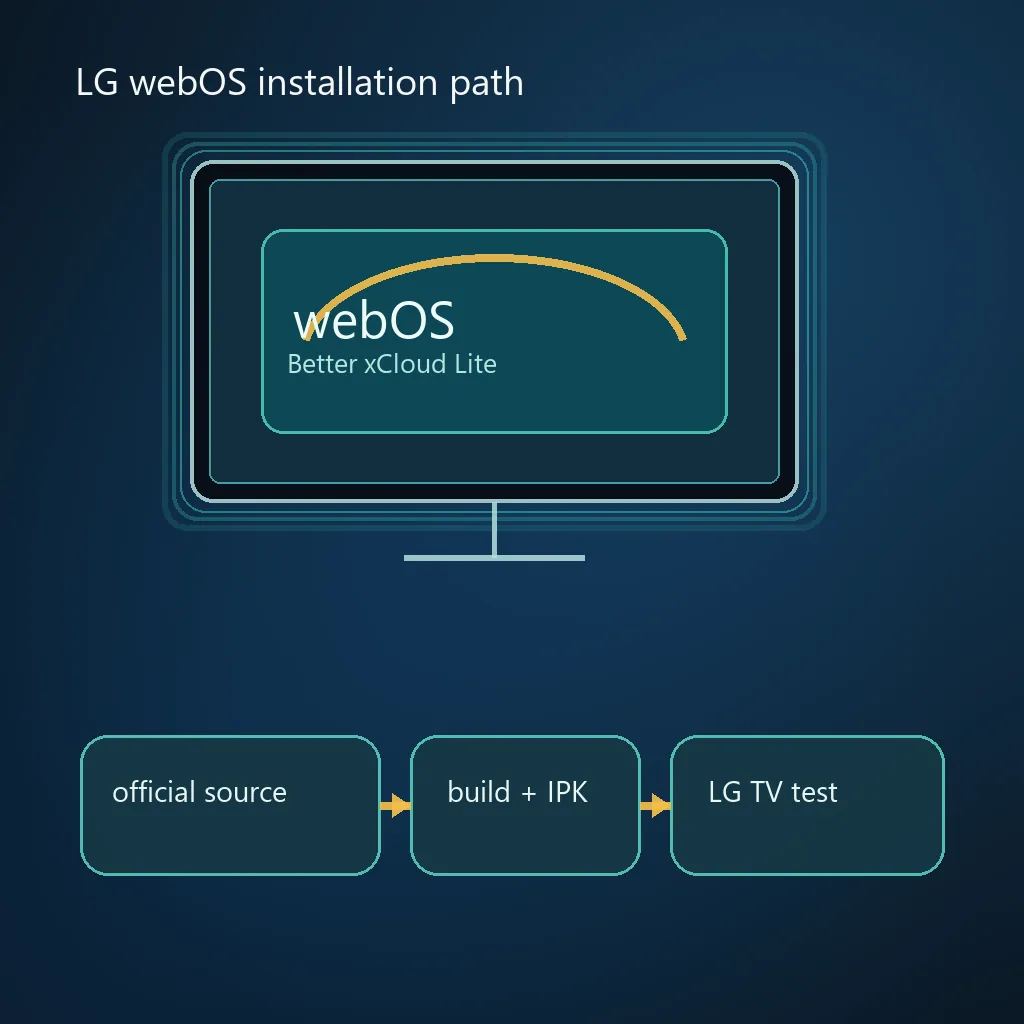
Better xCloud LG TV: the webOS path is separate and conditional
There is an official webOS project for Better xCloud, but it is not an Android APK or a normal browser extension. Its separate repository links to a TV project and an upstream issue that affects updates, so source and version checks belong in the installation.
A compatible LG model, Developer Mode and a package or build path are required. If a release page has no asset, read the repository and LG documentation instead of using an unverified mirror.
It covers the official webOS repositories, the IPK build path, LG Developer Mode, remote and controller roles, first-launch checks, version limits and troubleshooting. It does not promise support for every LG model, webOS version or cloud-gaming session.
Better xCloud LG TV source and version checks
On October 7, 2026, the official webOS release page showed v5.6.0 from August 26, 2024, with no downloadable asset. The README notes delayed updates and limited LG CX testing. Treat this as dated evidence, not a permanent latest-version claim.
| What you are checking | Expected LG path | Stop if |
|---|---|---|
| Project source | Official redphx webOS repository and TV repository | The page is an unknown mirror or hides its owner |
| Package type | A webOS IPK created by the documented build process | The file is an Android APK, PC userscript or renamed archive |
| Release identity | Tag, build script and manifest agree | A filename, version or hash has no upstream context |
| TV preparation | LG Developer Mode and the required webOS tools | The TV cannot enable the documented developer workflow |
| Support status | Model and webOS version are tested or clearly experimental | A page claims universal LG compatibility without evidence |
Prepare the LG TV, build machine and input devices
Record the LG model, webOS version, network and free storage. Follow LG's CLI and Developer Mode documentation for current account and device steps.
Use the Magic Remote for menus and pair a supported Bluetooth or USB controller for gameplay. Stop if the documented developer workflow is unavailable.
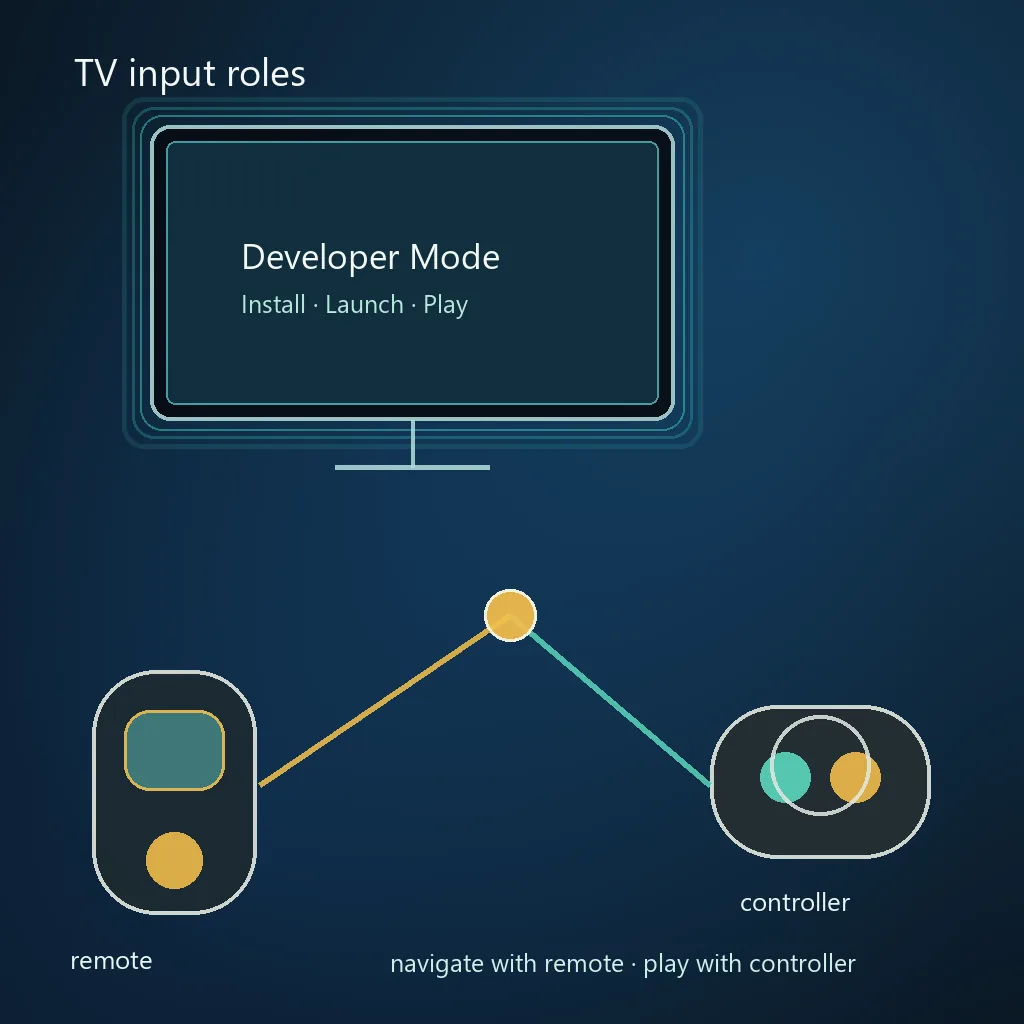
- Write down model and webOS version before changing developer settings.
- Install Python 3, NodeJS and the official webOS CLI on the build machine if the repository build path is appropriate.
- Keep the official repository, release tag and build output together so a later update can be compared.
- Pair one controller and keep the remote available for navigation and recovery.
Build or obtain the webOS package through the documented path
When no release asset is available, the official TV repository's build.py reads the additional script, obtains upstream source, detects the version, calls ares-package and writes an IPK plus manifest.
Keep log, version and hash together. If output is incomplete, report the error instead of renaming a partial archive.
Read the repository
Open the webOS README, TV repository and linked issue before installing tools.
Install the tools
Use Python 3, NodeJS and LG's official webOS CLI; record their versions.
Run the build
Follow build.py so the IPK and manifest are created together.
Inspect the output
Compare package identity, version and SHA-256 with the log.
Finish the first launch before changing stream settings
The first launch is a baseline. Confirm launcher visibility, Xbox Cloud Gaming access, remote focus and controller input with the default stream profile.
Record package version, TV model, webOS version, network type and exact error text. Revert one change at a time.
- Test launcher visibility and remote focus before launching a game.
- Pair the controller in system settings and verify it inside one session.
- Keep Microsoft sign-in inside the normal Xbox Cloud Gaming flow.
LG webOS troubleshooting: separate source, package, input and stream problems
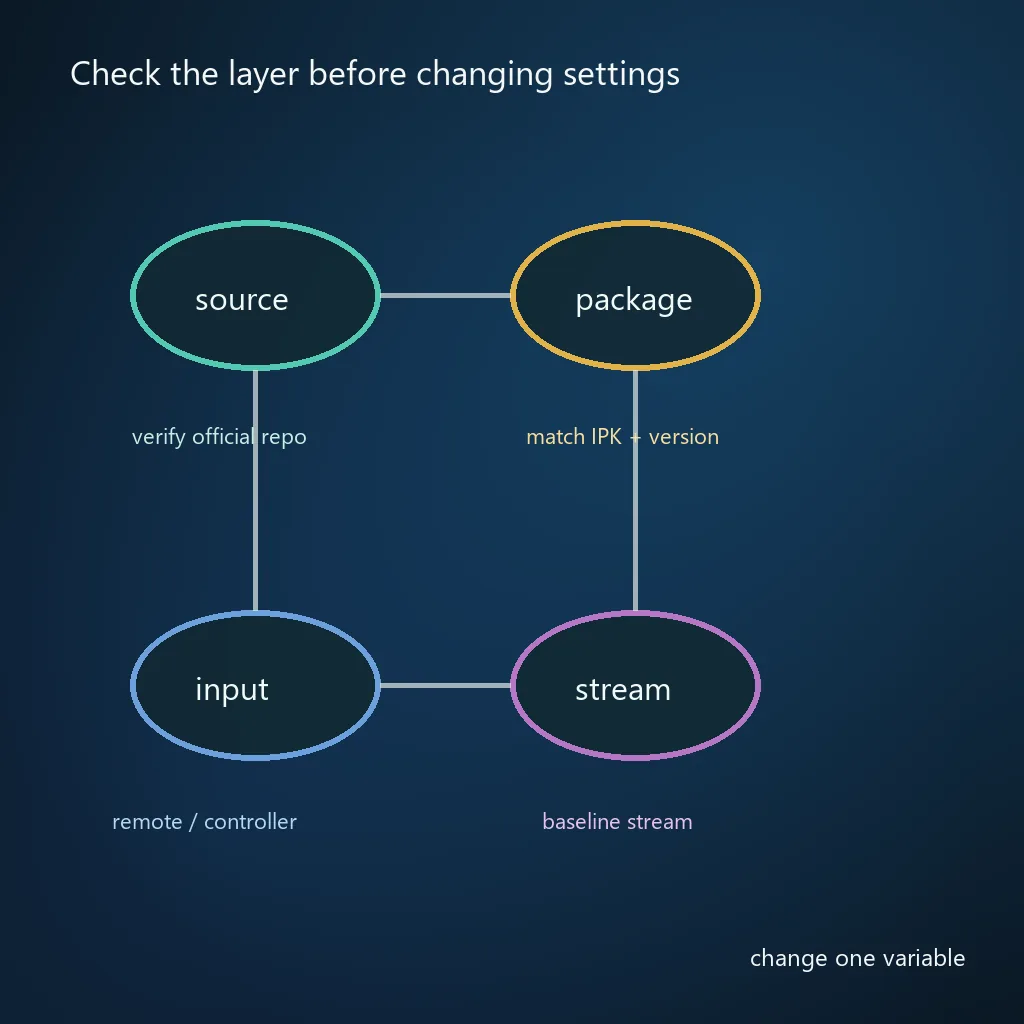
Start with the failed layer: install errors involve Developer Mode or the package; missing icons involve visibility; focus problems involve the remote; controller failures involve input; black video and stutter involve display, network or stream settings.
Record the last successful step, compare your version with the official repository and repair in this order: source, package, launch, input, then stream.
| Symptom | First check | Useful evidence |
|---|---|---|
| Install fails | Developer Mode, package identity and build log | Exact installer message and IPK hash |
| App is invisible | Launcher, app metadata and device restart | TV model, webOS version and package manifest |
| Remote cannot focus | Remote pairing and page navigation | Where focus stops and whether buttons respond |
| Controller is ignored | System pairing and one game baseline | Controller type, connection and session behavior |
Better xCloud LG TV support boundary before you depend on it
A separate webOS repository proves that an LG route exists, not that every LG TV is supported. The README describes limited hardware testing and delayed updates, so one model cannot prove universal compatibility.
Do not combine LG webOS instructions with Android TV, Fire TV or Samsung Tizen packages; their formats and developer tools differ.
This page does not claim universal Smart TV support, a current IPK download or official Microsoft/LG endorsement. It is an independent guide that points to upstream sources and records their limitations.
- Treat the webOS release tag as a dated observation and recheck it before every install.
- Keep a model and webOS version matrix when testing more than one TV.
Update or remove a Better xCloud webOS build safely
Before updating, reopen the repository and release page, compare the tag and build instructions with the installed package and keep the manifest hash. With no verified asset, a filename from another site is not official.
If a build refuses to install, capture package identity, signing message, webOS version and last working tag. Remove only the test package, then repeat the baseline.
Record the working state
Save the package tag, manifest hash, TV model, webOS version and the last known good session.
Compare upstream changes
Read the repository README, issue status and release notes before building a replacement.
Remove only the test package
Use LG's documented Developer Mode or device workflow. Do not delete unrelated TV apps or install a mirror to work around a conflict.
Choose the next guide after the LG setup works
Use the Android TV guide for Android packages, the PC guide for the userscript, the controller guide for pairing, the settings guide for quality and the troubleshooting guide for persistent errors.
If webOS is too experimental for your TV, a supported Android TV or PC path may be more predictable.
Open the Better xCloud controller guideBetter xCloud LG TV and webOS FAQ
Can I install Better xCloud on an LG webOS TV?
Yes, when the model and webOS workflow are compatible. Check the official repository, package identity, input support and Developer Mode requirements before testing a cloud-gaming session.