

What does Better xCloud supported games mean?
Better xCloud is an enhancement for Xbox Cloud Gaming, not a second game library or a way to make an unavailable title streamable. If a game cannot be started through the Xbox cloud service for your account, Better xCloud cannot supply its license, add it to the catalog, or change Microsoft's access rules.
That means there is no single permanent Better xCloud whitelist that answers every compatibility question. Start with the game catalog shown by Xbox. Then check whether you are looking at a subscription catalog, a selected game you own that can be streamed, or a Better xCloud-specific feature list. Each list describes a different thing and can change on a different schedule.
A title being available on Xbox consoles does not automatically mean that it is available through Xbox Cloud Gaming. Verify the cloud option for the title you want to play.
Separate cloud availability, ownership and Better xCloud features
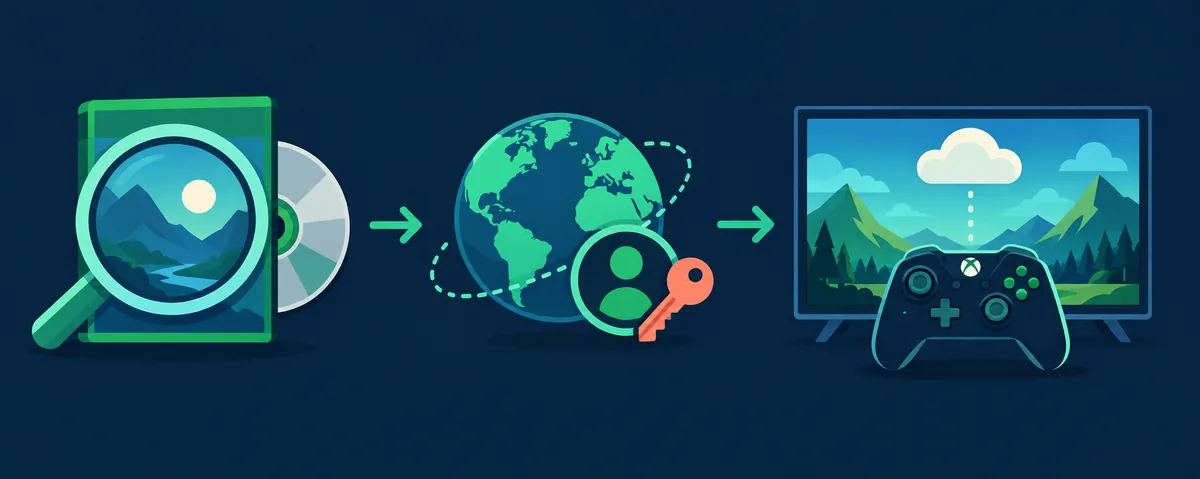
The word supported is often used for three separate checks: whether Xbox can stream a game, whether your account can access that game, and whether a Better xCloud feature has a game-specific configuration. Passing one check does not guarantee the other two.
| Question | What it tells you | Where to verify |
|---|---|---|
| Can this game stream today? | The title is currently offered through Xbox Cloud Gaming in the relevant market. | Open the live Xbox Cloud Gaming catalog. |
| Can my account play it? | Your subscription, ownership and any service conditions allow access to that title. | Check the title page and the signed-in Xbox account. |
| Does it have local co-op? | The game itself exposes a local multiplayer mode and a second-player join path. | Check the game's own mode details and the upstream co-op list. |
| Does it have a touch layout? | A Better xCloud touch-control layout may exist for that title. | Check the upstream custom touch-layout list. |
| Does Better xCloud support my device? | The app or userscript can run through your platform's supported client path. | Use the guide for your browser, phone or TV platform. |
How to check Better xCloud supported games
Use this sequence when a game is missing, a search result points to an old list, or you are unsure whether Better xCloud is involved. It tests the cloud service first and adds the enhancement only after the base path is understood.
Search the live Xbox cloud catalog
Open the official Xbox Cloud Gaming page and search for the exact title and edition. A console listing or a PC store listing alone is not evidence that the game can be streamed in your current cloud catalog.
Confirm account and access conditions
Check which account is signed in, what access the title requires, and whether the current service offering is available in your location. A different account or a changed catalog can produce a different result.
Start the game through the normal Xbox route
Try the title before changing Better xCloud settings. If the normal Xbox Cloud Gaming route cannot launch it, record the message and check the service or account path first.
Test Better xCloud features separately
After the base stream works, check only the feature you need: touch controls, local co-op, controller behavior or a stream setting. A missing feature-specific layout does not mean the cloud game itself is unsupported.
A playable cloud game is not automatically a Better xCloud feature match
A game can stream successfully while using ordinary controller input and no custom touch layout. It can also have local multiplayer that still requires the game's own player-join sequence. Better xCloud changes the client experience; it does not create a game's modes, input support, save rules or multiplayer design.
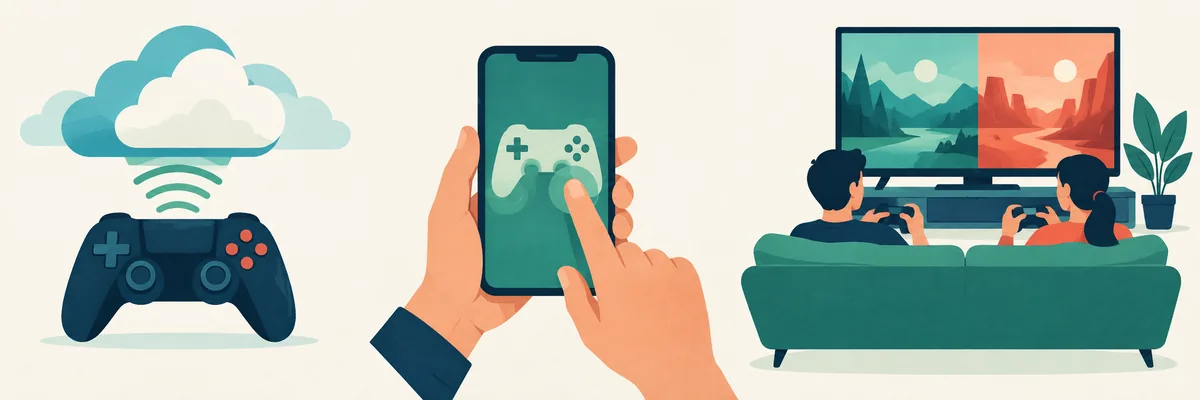
The upstream project maintains narrower lists for particular features, including local co-op and custom touch-control layouts. Treat those as feature-specific references, not as a complete list of every title that can run through Xbox Cloud Gaming. A title missing from a touch-layout list may still work with a physical controller. A title missing from a local co-op list may still be playable solo.
Check your device after you confirm the title
Game availability and device compatibility are related but different. The same cloud title can be available while a browser, app, TV input method or controller needs separate setup. Use the platform guide that matches the screen where you plan to play; do not infer device support from a game list.
PC browser
Confirm the browser and userscript manager are supported, then test the base Xbox cloud session before changing stream settings.
PC setupAndroid or iPhone
Use the platform-specific app or Safari route. An Android package is not an iPhone install, and touch behavior can still differ by game.
Android guideAndroid TV or LG webOS
Check the TV client and input path independently. A title's cloud availability does not guarantee that every television browser or controller behaves the same way.
TV setupIf a listed game will not start
Avoid reinstalling Better xCloud as the first response. A title may have left a catalog, require a different account entitlement, be unavailable in a region, or fail because of the browser, application or Xbox service. Find the layer that fails before changing several variables at once.
- Check the current Xbox Cloud Gaming page again instead of relying on a saved list or an old search snippet.
- Read the exact message and note the device, client and account used; do not share passwords or private account details.
- Try the normal Xbox route without changing Better xCloud settings. This separates a cloud-service problem from an enhancement problem.
- If only a controller, touch layout or co-op action fails, check that feature's guide and the game's own input or multiplayer requirements.
- For a missing menu or a script error, follow the troubleshooting sequence and change one setting at a time.
Why game lists become outdated
Cloud availability can change as Xbox updates its service, account offers and game catalog. A third-party article may describe a batch of newly streamable owned games without showing every title that is available through another catalog route. Its date, market and access conditions matter. The same title may be playable for one account and unavailable to another.
This page therefore points to the live Xbox source instead of copying a long title list that could be stale tomorrow. The official Xbox page checked for this guide displayed separate sections for streaming your own game and buying selected games to stream. The official Better xCloud releases page also links to feature-specific lists for local co-op and touch layouts. Check each list at its source, and treat the scope of each list literally.
Betterxcloud.wiki is an independent support guide, not Xbox, Microsoft or the Better xCloud project. We link to upstream references so you can verify a claim or follow a changing list where it is maintained. The source check date is shown near the top; it is not a promise that a live catalog will remain unchanged.
Better xCloud supported games FAQ
Does Better xCloud support every Xbox game?
No. Better xCloud does not make a game available in Xbox Cloud Gaming. Check the live Xbox catalog and your account access first; the enhancement works only within the available service and client path.
How do I find the current Xbox Cloud Gaming games list?
Use the official Xbox Cloud Gaming page and search for the exact title. Older articles can describe a dated batch or a narrower access route, so verify the current listing and account conditions directly.
Can I stream a game just because I own it?
Not necessarily. Ownership and cloud eligibility are separate. Xbox offers selected owned games through a cloud route, but a console or store purchase is not by itself proof that a title is currently streamable.
Does a game on Xbox Cloud Gaming automatically have touch controls?
No. Cloud availability means the game can be streamed through the service; a custom touch-control layout is a separate feature. Check the official Better xCloud layout list or use a compatible physical controller.
Does Better xCloud add local co-op to a game?
No. The game must provide a local multiplayer mode and a way for another player to join. Better xCloud cannot add a mode that the game does not include.
Why does the same game appear in one list but not another?
The lists may describe different things: cloud availability, subscription access, selected owned-game streaming, local co-op support or a custom touch layout. Compare the scope and update date before drawing a conclusion.
Why does a listed game fail to launch with Better xCloud?
First retry through the normal Xbox Cloud Gaming route and check the signed-in account, region, title listing and exact error. If the base stream works but one feature does not, troubleshoot that feature separately.