
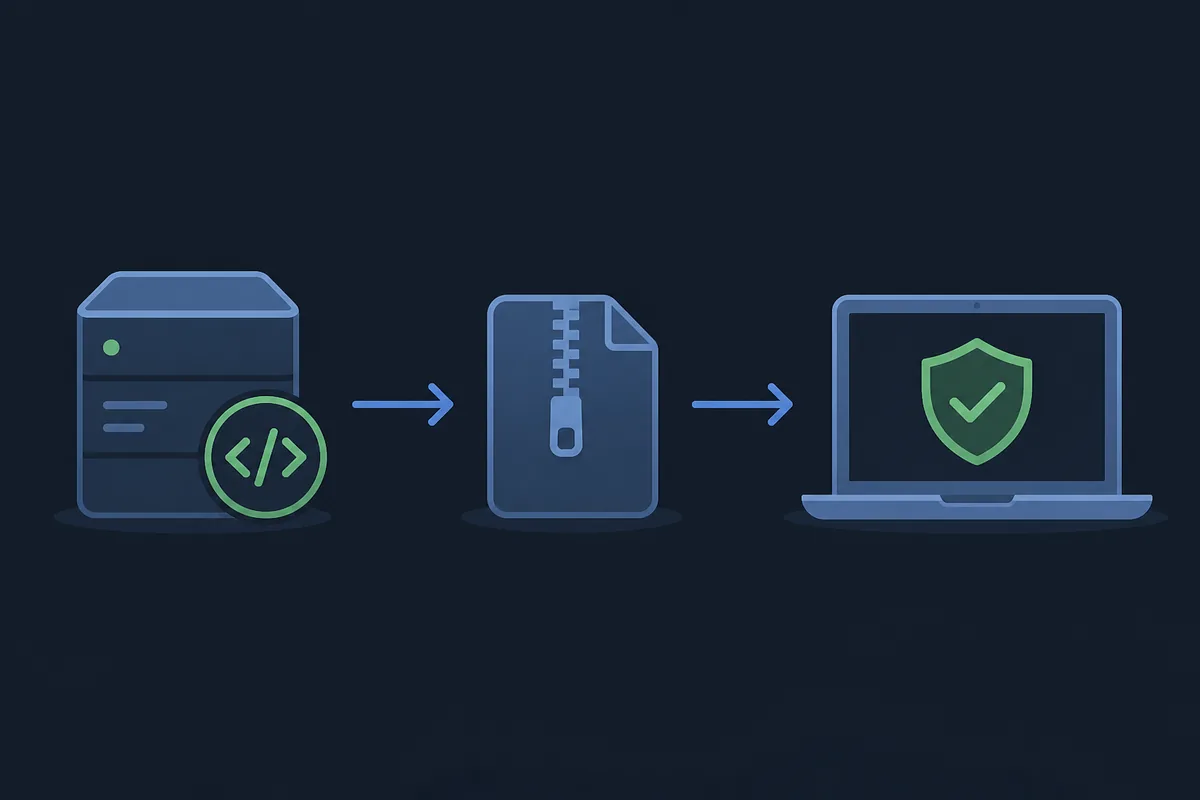
The short answer: Better xCloud has separate version lines
The official PC repository currently lists Better xCloud script version 6.7.13, while the official Android repository currently lists Android app version 0.24.3. Those numbers describe different release lines. The PC package is a browser userscript; the Android package is a separately maintained application. A page that presents one of them as the universal Better xCloud version can make an update look newer or older than it really is.
The release pages were checked on November 15, 2026. That date is a freshness marker, not a promise that a future visit will show the same versions. Before installing, open the official release page again, compare the tag and asset name, and check the notes for your platform. If you only need the download path, the PC and Android guides on this site link back to those official repositories rather than hosting a modified file.
A version tag identifies a published release line and gives you a comparison point. It does not guarantee identical browser behavior, Android compatibility, network performance or support for every Xbox Cloud Gaming title. Keep source, platform and local symptoms as separate checks.
Current Better xCloud version snapshot
Use this table as a dated reference when you are deciding which release page to open. The Android app and the PC script can move at different speeds, and the Android app may also contain a script update path inside its own settings. The values below are observations from the official repositories, not guesses based on a mirror filename.
If a release page shows a newer tag, follow it and treat this table as historical. Never replace a verified source with a mirror.
| Platform | Version observed | Release source | Update path | Checked |
|---|---|---|---|---|
| PC browser userscript | 6.7.13 | Official better-xcloud repository | Install the userscript from the official release asset or release page | 2026-11-15 |
| Android app | 0.24.3 | Official better-xcloud-android repository | Open the Android release page and compare the APK package | 2026-11-15 |
| Android app script layer | Separate from the app tag | Android app settings and PC script releases | Use the app's documented script update control when available | Platform-specific |
| iPhone and iPad | Userscript workflow | Official documentation | Follow the Safari installation path instead of an APK release | Platform-specific |
PC userscript release history
The PC release list is the correct source for the browser userscript. The current entry is 6.7.13. Its changelog says it improves the AMD CAS filter (Clarity Boost). The same page explains that the script can be updated manually from Better xCloud settings inside the Android app, which is a useful reminder that the script and Android application are related but still separate release objects.
Release 6.7.11 lists a fix for games not launching with xCloud 29.29.17, while 6.7.10 lists a custom touch layout for Forza Horizon 6. These are release clues, not a complete compatibility matrix.
6.7.13
The current PC release observed on the official page. The listed change improves the AMD CAS filter (Clarity Boost).
6.7.11
The release notes list a fix for a game launch problem seen with xCloud 29.29.17. Keep the affected service version in the diagnostic record.
Android app release history
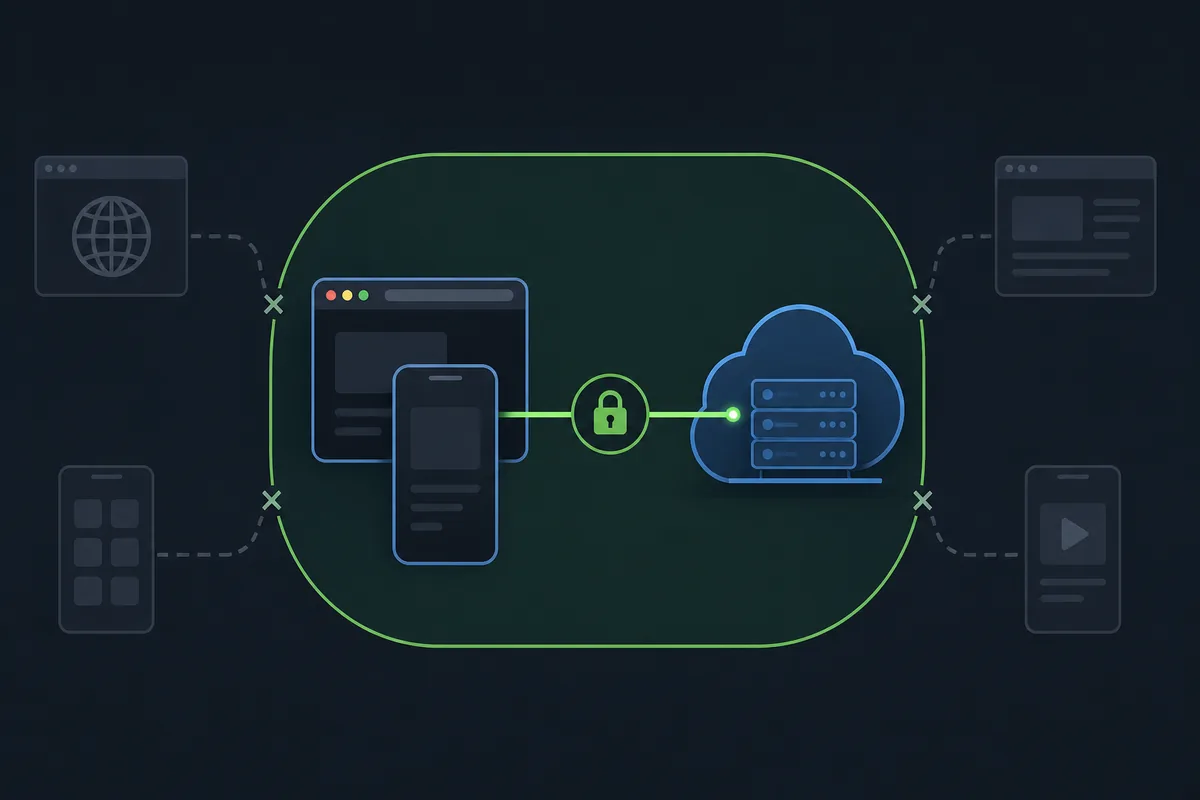
The Android repository currently lists app version 0.24.3. Its changelog says that the app automatically redirects to the xbox.com/play website when needed. These notes show why Android users should read the Android repository rather than copying the PC script number into an APK label.
Android releases have device-specific boundaries. After an update, launch one game with the default profile before changing resolution, decoder or controller settings so a local problem is not mistaken for a release change.
0.24.3
Current Android app version observed on the official release list. The note says the app redirects to xbox.com/play when needed.
0.24.1
The release notes mention crashes caused by Android WebView v142. Compare the installed app and WebView state when diagnosing a repeat crash.
0.24.0
The notes connect this app release to new features in Better xCloud script 6.7.0, showing that app and script versions can reference each other without becoming one tag.
How to verify a Better xCloud update
A reliable update check is a short evidence chain. Start with the upstream repository, identify the platform, compare the release tag and asset, then test the installed client before tuning it. This order prevents a common failure mode: installing a package from a mirror, changing several settings, and then blaming an unknown version for a symptom that has no clear starting point.
Keep the date, platform, installed version, release URL and exact error in a short note. If no stable direct asset is available, use the official release page and never guess a URL from a version string.
Choose the release line
Decide whether you are updating the PC userscript, Android app or a platform-specific workflow. Do not start with the word APK if you are on desktop or iOS.
Open the upstream source
Use the official PC or Android repository. Confirm the owner, repository name, release tag and asset type before opening a file.
Compare the installed state
Record the current version in your browser userscript manager or Android app settings. Keep the old value until the new installation has launched successfully.
Read the relevant notes
Look for platform, WebView, launch, input or stream changes that match your symptom. A changelog is evidence for a change, not a guarantee of universal support.
Test one baseline session
Open Xbox Cloud Gaming, launch one supported game with default settings and check sign-in, video, audio and controller response before tuning anything else.
When the installed version does not match
A mismatch is not automatically a security incident. It can mean that the browser userscript, Android app and Android app's script layer are being reported by different screens. First identify which component displayed the number. Then compare it with the correct repository. A PC userscript tag cannot be used to decide whether an Android APK is current, and an Android app tag cannot describe an iOS Safari userscript workflow.
If the number is correct but behavior is wrong, test the default stream, record browser or Android/WebView details, and avoid a second copy from an unknown mirror.
- If the PC menu is missing, check the userscript manager, page permissions and script version before changing network settings.
- If Android crashes, compare the app release, Android WebView version and the exact crash message; do not treat the PC tag as the Android app tag.
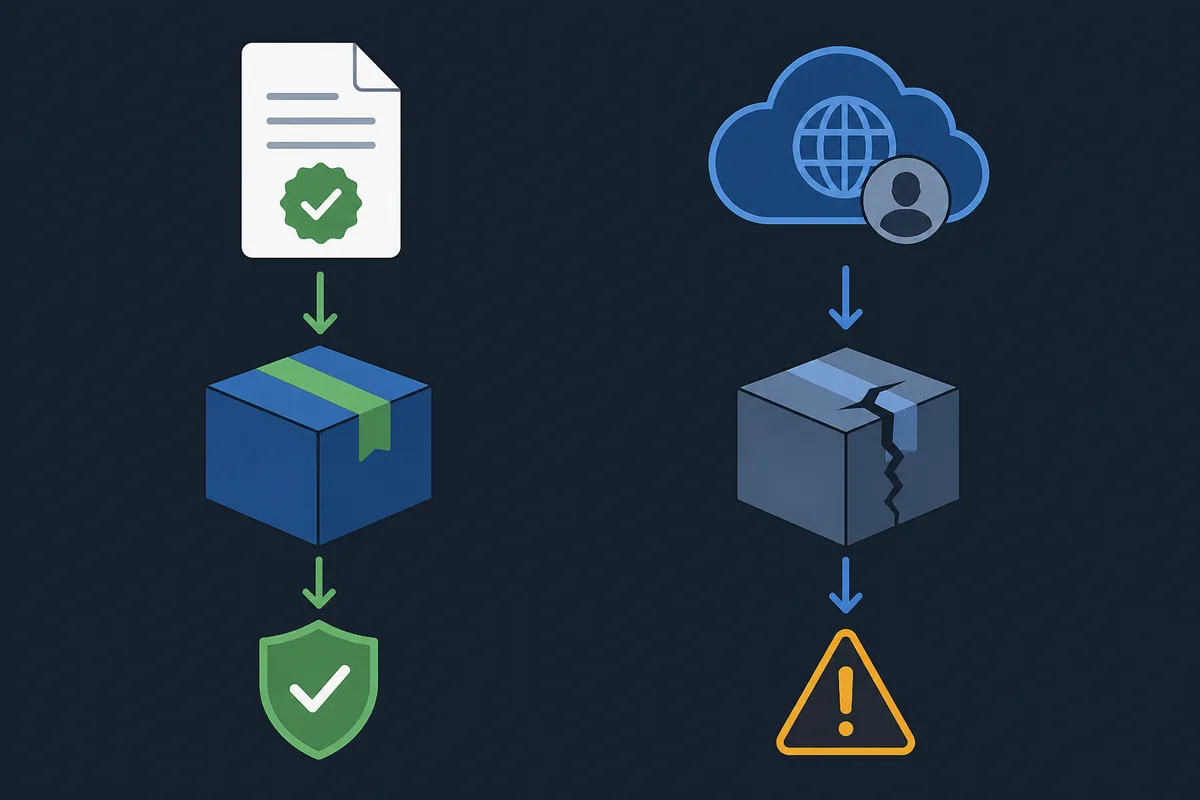
- If a release page shows a new package, verify the repository and filename before replacing an installed app.
- If the stream is black or stutters after updating, reproduce it at the default profile and then use the settings guide for one-variable tests.
- If a mirror asks you to disable security tools or sign in outside Xbox Cloud Gaming, stop and return to the official release page.
Better xCloud versions FAQ
What is the latest Better xCloud version?
On November 15, 2026, the official PC repository listed script version 6.7.13 and the official Android repository listed app version 0.24.3. They are separate release lines, so check the matching repository again before installing.
Is the Better xCloud Android version the same as the PC script version?
No. The Android app uses its own version line, currently observed as 0.24.3, while the PC userscript uses a tag such as 6.7.13. The numbers should not be compared as if they were one package.
How do I update the Better xCloud userscript?
Open the official PC release page, compare the tag and userscript asset, then install it through the documented browser userscript workflow. The official release notes also mention a manual script update control inside the Android app settings when that path is available.
What changed in Better xCloud 6.7.13?
The official PC release notes say that 6.7.13 improves the AMD CAS filter (Clarity Boost).
What changed in Better xCloud Android 0.24.3?
The official Android release notes say that 0.24.3 automatically redirects to xbox.com/play when needed.
Can a newer version fix lag or Xbox Cloud Gaming queues?
A release can fix a documented client issue, but it cannot guarantee lower latency, remove packet loss or change Xbox service access. Test the updated client at default settings and keep network and account questions separate.