
What counts as Better xCloud updates?
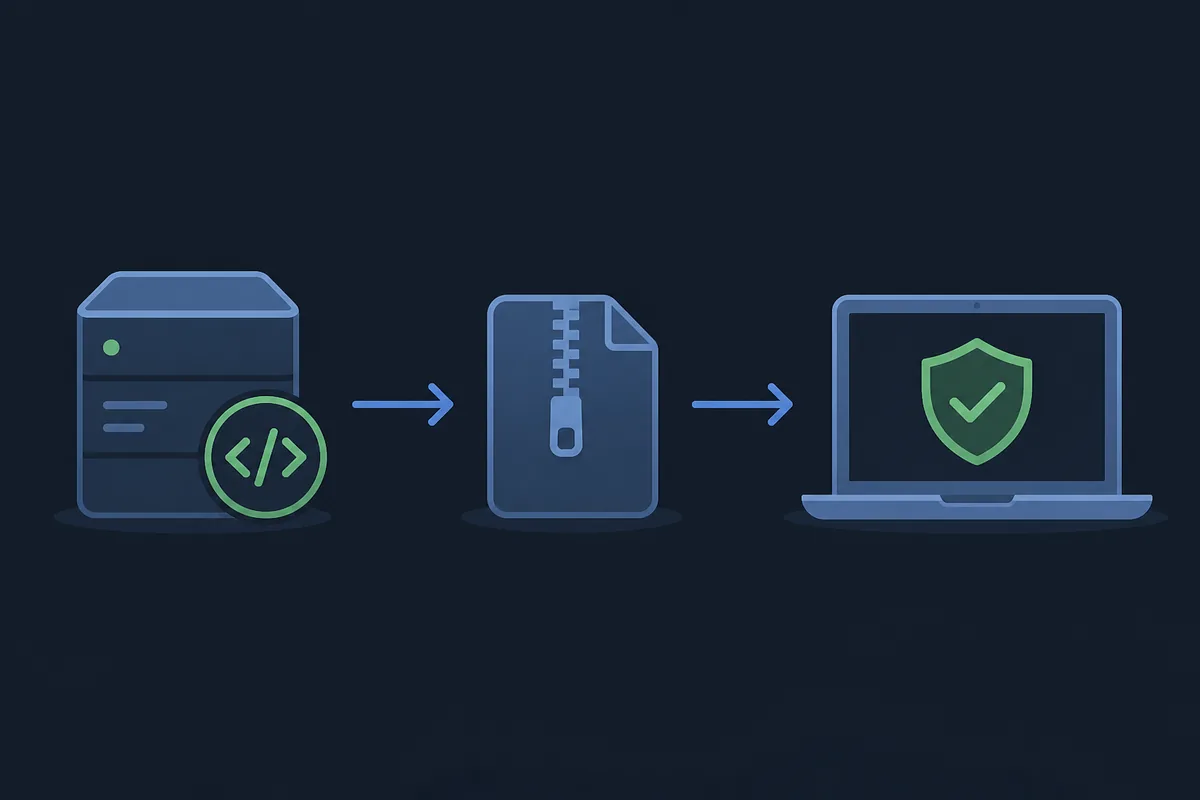
A Better xCloud update is not one universal download. The PC release is a browser userscript, while the Android release is a separate application with its own package and version line. The Android app can also expose a manual control for updating the Better xCloud script. These parts can refer to each other in their notes without becoming one package. When someone asks for the latest Better xCloud update, first ask which part they mean: the PC script, the Android app, or a platform workflow such as Safari or Android TV.
That distinction matters because a version number is evidence about one release object only. A PC tag such as 6.7.13 cannot tell you whether an Android APK is compatible with your device, and an Android tag such as 0.24.3 cannot describe an iPhone userscript workflow. The safest page to open is the matching official repository, where the tag, assets, release notes and warnings appear together.
This page is about checking and applying an update after you know your platform. For a first installation, use the platform guide. For a dated list of older tags, use the version history page. If the updated client still fails, keep the version details and move to the troubleshooting guide rather than mixing several packages.
| Release line | What it is | Where to verify | Do not assume |
|---|---|---|---|
| PC userscript | Browser script for Xbox Cloud Gaming | Official better-xcloud releases | It is not a normal Chrome extension or an Android APK |
| Android app | Separate Android application and APK | Official better-xcloud-android releases | Its number is not the PC script number |
| Android script layer | Script updated from app settings when available | App settings and matching PC release notes | A script update does not always mean an app update |
| iPhone, iPad and TV | Platform-specific workflow | Official platform documentation | A PC or Android package is not a universal install |
Current release snapshot and the xbox.com/play transition
On November 15, 2026, the official PC repository showed script version 6.7.13. Its release note says that the AMD CAS filter, also described as Clarity Boost, was improved. The official Android repository showed app version 0.24.3, whose note says that the app automatically redirects to xbox.com/play when needed. These Better xCloud updates are the values observed on the release pages on the check date, not a promise that a future visit will show the same tags.
Both release pages carry an important website transition warning. Better xCloud currently works on xbox.com/play; if an account is redirected to play.xbox.com, the PC release instructions describe leaving the preview and returning to xbox.com/play. Android users may need to force close the app, and the release notes mention clearing the app cache if the old route remains. Treat that as a service and website state, not as proof that a newly installed package is broken.
If you are writing down an update, record four values together: platform, installed version, release URL and the exact screen where behavior changed. That small note prevents a common mistake: comparing a fresh PC tag with an old Android app, then blaming the wrong release for a website redirect.
| Platform | Version observed | Change to check | Official source |
|---|---|---|---|
| PC browser userscript | 6.7.13 | AMD CAS filter / Clarity Boost improvement | GitHub PC releases |
| Android app | 0.24.3 | Automatic redirect to xbox.com/play when needed | GitHub Android releases |
| Android script layer | Separate from app tag | Use the in-app script update control when present | App settings plus PC release notes |
| Safari and TV workflows | Platform-specific | Follow the matching upstream instructions | Official documentation |
How to update the Better xCloud PC userscript
The PC update path starts in the official better-xcloud repository. Open the release list, select the current tag, read the short changelog and identify the userscript asset described by the release. Keep your current script installed until the new one has loaded successfully; that gives you a clear comparison point if a browser permission or website change appears.
Do not search for a random extension named Better xCloud. The project uses a userscript workflow, so the browser, userscript manager and site permission are part of the installation state. The release page is also where website transition warnings and issue-reporting guidance are kept. A download button on a mirror cannot provide the same context.
Open the matching release line
Use the official PC release page and confirm that the repository owner is redphx and the project is better-xcloud.
Read the tag and notes
Compare the tag with your installed userscript and read the change that applies to your browser or stream. Do not infer unsupported fixes from the version number.
Install through your userscript manager
Open the documented userscript asset, approve the update in the manager and keep the site permission enabled for Xbox Cloud Gaming.
Reload the cloud page
Close stale tabs, open xbox.com/play and check that the Better xCloud menu appears before changing video or input settings.
Keep a baseline note
Write down the tag, browser, website route and first symptom. This makes a later rollback or issue report useful.
How to update the Better xCloud Android app and script layer
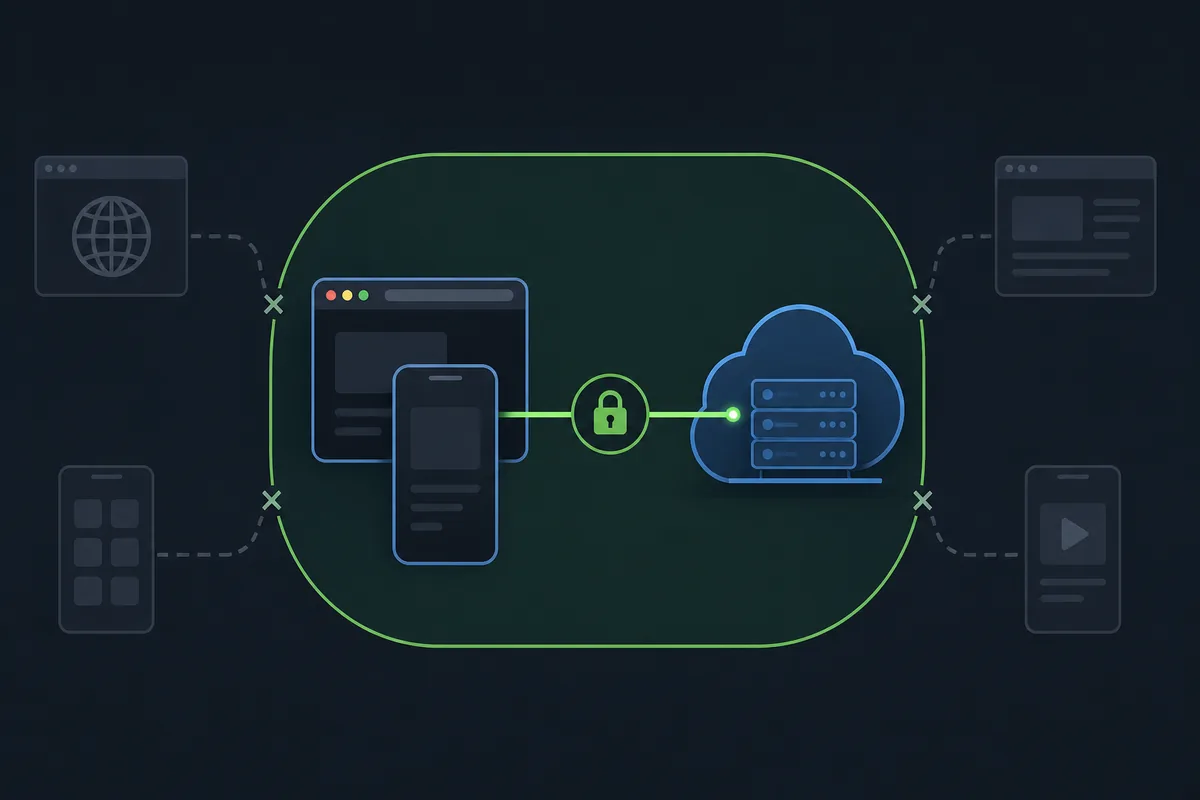
Android has two update questions. The first is whether the Android application itself has a new APK release. The second is whether the script bundled or managed by the app has a newer update control. Open the official Android release page for the first question, then use the app's own settings for the second. Installing a new APK does not make the PC userscript number become the Android number.
Android TV and Shield devices add a practical step: after the APK downloads, the file manager may need to start the installation manually, and the Better xCloud app may need permission to install apps from that source. Those prompts are device behavior, not a reason to obtain a package from an unknown mirror. Keep the official release URL and package name in your notes.
After the update, force close and reopen the app if it still points at play.xbox.com. The current release note specifically describes automatic redirection to xbox.com/play, so test that route before changing decoder, resolution or controller settings.
Check the Android repository
Confirm the tag, APK asset and release note on the official better-xcloud-android page.
Compare the installed app
Read the version shown by Android app settings and keep the old value until the updated app launches normally.
Review install permission
If Android saved an APK without installing it, use the device's file manager and the documented unknown-app permission for the Better xCloud app.
Update the script only when needed
If the app exposes Update Better xCloud script under its settings, compare that action with the PC release notes instead of reinstalling an unrelated APK.
Retest the website route
Force close, reopen and verify xbox.com/play. Clear the app cache only when the official note or your reproducible test points to a stale route.
Read release notes without overclaiming compatibility
A changelog tells you what the maintainer changed or fixed in that release. It does not promise that every game, browser, TV firmware or controller will behave differently. The 6.7.13 note is narrow: it improves the AMD CAS filter. The 0.24.3 note is also narrow: it adds an automatic redirect to xbox.com/play when needed. Treat these Better xCloud updates as test hypotheses, not universal performance guarantees.
Release notes also contain operational warnings that are easy to miss when you only copy a version number. Website migrations, WebView behavior, launch regressions and manual script controls can affect different platforms in different ways. Keep those notes beside the tag when you decide whether to update now or wait for a stable baseline.
For a useful comparison, separate three outcomes: the package installed, the client opened, and the game session worked. A release can succeed at the first two while a network, account, browser permission or Xbox service issue remains. The distinction keeps the update page honest and makes troubleshooting faster.
- Use a PC release note to explain the PC userscript; do not copy it into an Android APK description.
- Use an Android release note to explain the app package; do not call it a new PC script version.
- Treat website redirects as a route check before treating them as an installation failure.
- Keep WebView, browser, firmware and controller details with the version when reporting a regression.
- Do not promise lower latency, shorter queues or universal game compatibility unless the official source explicitly supports that claim.
Verify the source, package and installed state
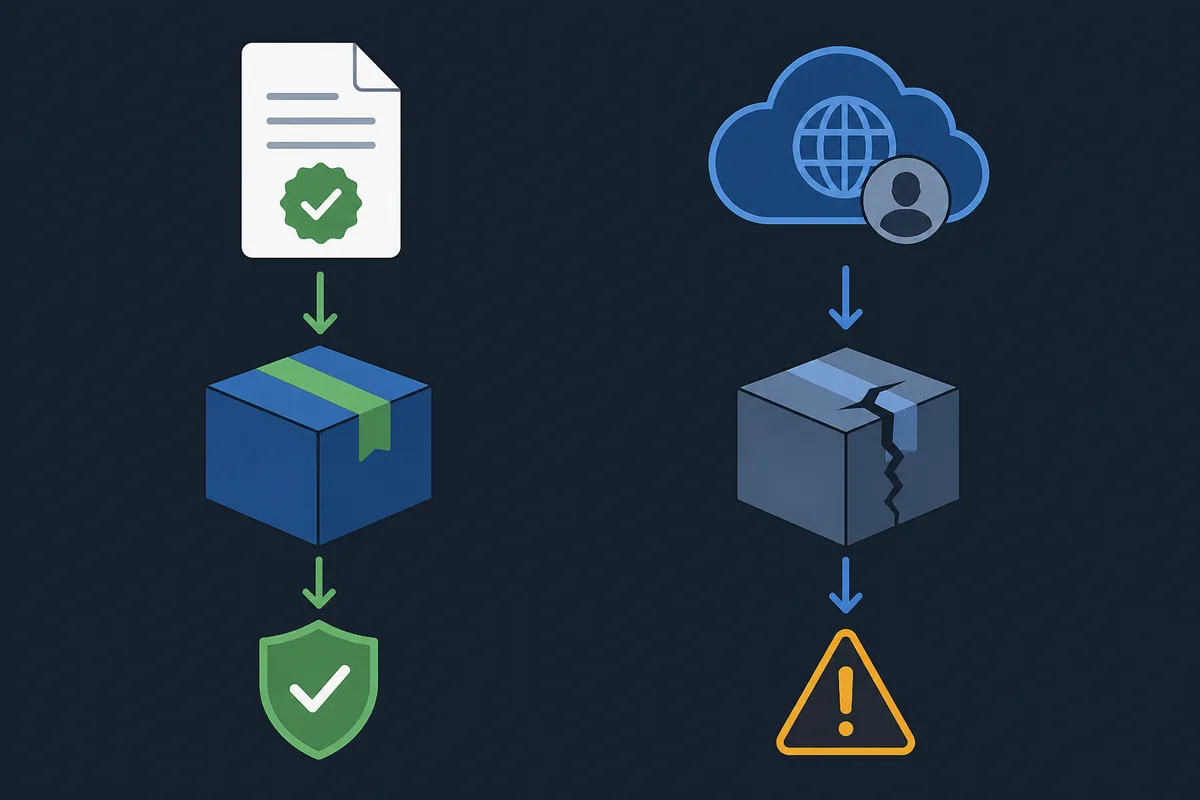
A safe Better xCloud update is a short, repeatable evidence chain. Start at the official repository, confirm the owner and project name, compare the release tag, inspect the asset type, and only then open the package through the documented platform flow. A release page gives you context that a filename cannot: changelog text, issue links, warnings, and the difference between a userscript and an APK.
Before replacing an installed file, record the current version and the platform. If the new page offers only a release page rather than a stable direct asset, use that page as the CTA. Do not guess a CDN URL from a tag, upload a modified APK, or add a safety badge that the site cannot verify. If a mirror asks you to disable security tools or sign in outside Xbox Cloud Gaming, return to the official source.
This check does not certify that upstream code is risk-free. It limits avoidable confusion by keeping package identity, source and update notes together. The visible page copy should make that boundary clear, especially for people who search for an APK and may otherwise download the wrong platform file.
- Confirm the repository owner, project name and release tag.
- Match the asset to PC userscript, Android APK or the platform-specific workflow.
- Keep the official release URL and checked date in your update note.
- Do not treat an unknown mirror, repackaged file or copied version string as official.
- Use the platform guide if the package installs but the Better xCloud menu is missing.
Test one baseline session and recover from a bad update
After Better xCloud updates, run one short session with the default profile. Open xbox.com/play, sign in normally, launch one supported game and check the menu, video, audio and controller response. Do not change resolution, bitrate, decoder, server, keyboard or touch settings during this first test. A clean baseline tells you whether the release itself changed behavior before network or preference changes add noise.
If the client opens but the game fails, capture the exact symptom and keep the release tag. Check the website route, browser or WebView version, userscript permission and controller connection in that order. If the old version worked and the new version fails, compare the official release notes and use the documented previous release page rather than downloading a repackaged copy.
A rollback is evidence gathering, not a promise that an older release is safer or permanently compatible. Reproduce the same short test, note what changed, and report a focused issue to the upstream project when appropriate. The general troubleshooting page can help with persistent menu, launch and input errors after this version-aware check.
Run the default profile
Use one game, one controller and the normal website route so you can compare the result with the previous session.
Classify the failure
Separate package installation, menu visibility, game launch, stream quality and input detection instead of calling every symptom an update bug.
Compare one variable
Check the release note, route and permission that match the symptom before changing a second setting.
Use an official previous release
If a rollback test is necessary, use the upstream release list and keep the tag in your notes. Never infer a direct file URL.
Link the next repair
For a persistent failure, continue with the platform or troubleshooting guide and include the version, device and exact error.
What changes for iPhone, iPad and TV workflows?
The PC and Android release tags do not turn into a universal iOS or TV installer. iPhone and iPad users follow the Safari userscript path, so an update may involve a helper app, website permission and a fresh Safari tab rather than an APK. Android TV users follow the Android route when their hardware is compatible, while LG webOS has its own upstream instructions and firmware boundaries.
Use the matching platform page before updating. It explains the package or permission that belongs to that device and gives you a better baseline for diagnosing a missing menu. Keep the same evidence habit across platforms: source, release or documentation URL, installed state, route and one reproducible test.
Android and Android TV
APK package, install permission, app route and controller test.
Open the Android guidePersistent errors
Use the recorded version and symptom to choose the next repair.
Open troubleshootingBetter xCloud updates FAQ
What is the latest Better xCloud version?
On November 15, 2026, the official release pages observed PC script 6.7.13 and Android app 0.24.3. They are separate release lines. Open the matching repository again before installing because a release page can change after this check.
Is the Better xCloud Android version the same as the PC script version?
No. The Android app has its own version line, observed here as 0.24.3, while the PC userscript uses tags such as 6.7.13. Do not compare the numbers as if they were one package.
How do I update the Better xCloud userscript?
Open the official PC release list, compare the tag and userscript asset, then install it through your documented browser userscript workflow. Reload xbox.com/play and run one default session before changing settings.
What changed in Better xCloud 6.7.13?
The official PC release note says that 6.7.13 improves the AMD CAS filter, also called Clarity Boost. It does not promise lower latency or universal game support.
What changed in Better xCloud Android 0.24.3?
The official Android release note says that 0.24.3 automatically redirects to xbox.com/play when needed. Force close and reopen the app if an old website route remains.
Does an update fix lag or Xbox Cloud Gaming queues?
A release can fix a documented client issue, but it cannot guarantee lower latency, remove packet loss or change Xbox service access. Test the updated client at default settings and keep network and account questions separate.
Should I update the Android app or the script first?
Identify which version is displayed and read the matching release page. If the Android app exposes a script update control, use it only for the script layer; do not install a second APK to solve a script-only change.
Can I use a mirror or a guessed direct APK URL?
No. Use the official release page or a verified official asset. A guessed URL, repackaged APK or unknown mirror cannot prove the package identity, release notes or platform match.